When2meet vs Calendly: the short answer
Use When2meet when a group needs to agree on a time, and Calendly when you want people to book you. They are not really the same kind of tool, and knowing that settles most of the decision before features or price.
When2meet is a free group availability grid. You pick a date range, share one link, and everyone paints the times they are free; the darkest cells on the shared grid show when the most people can meet. Nobody needs an account, and it costs nothing. Calendly is a personal booking tool. You connect your calendar, share a link, and an invitee picks an open slot that books itself onto your schedule. It is built for the steady stream of one-on-one calls: sales demos, client sessions, interviews.
So the honest framing that most comparisons miss: When2meet answers "when can this group meet?" and Calendly answers "when can someone book me?" If you have the first problem, a free grid is the right shape. If you have the second, a booking link is.
What each one is best at
Each tool is strong at its original job and weak outside it.
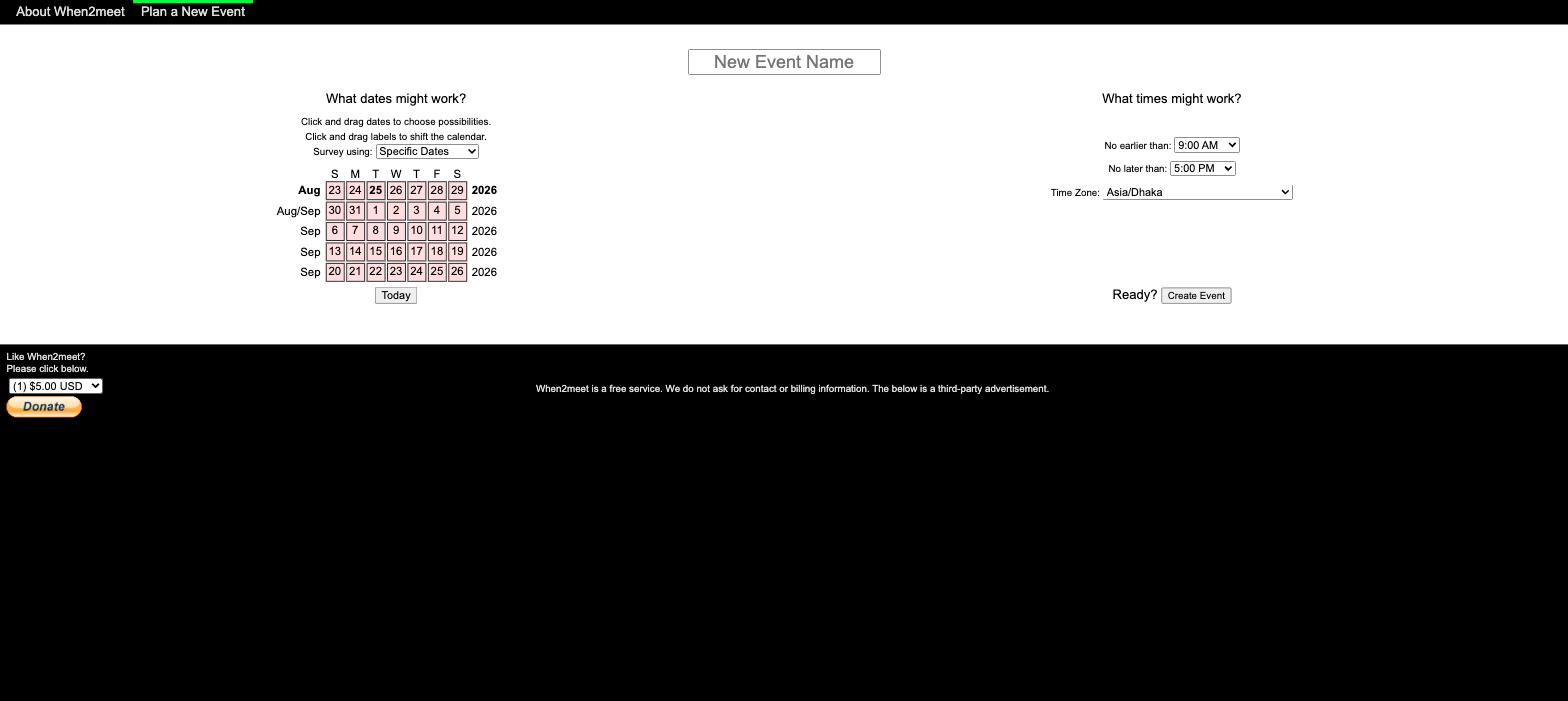
When2meet is best for finding a group time, for free. Its whole design is the shared heatmap: everyone marks availability, and the overlap is obvious. There is no account, no participant cap, and no cost. It has been the default for student clubs, volunteer teams, and friend groups since 2009 precisely because it is instant and free. Our step-by-step When2meet guide covers the full workflow.
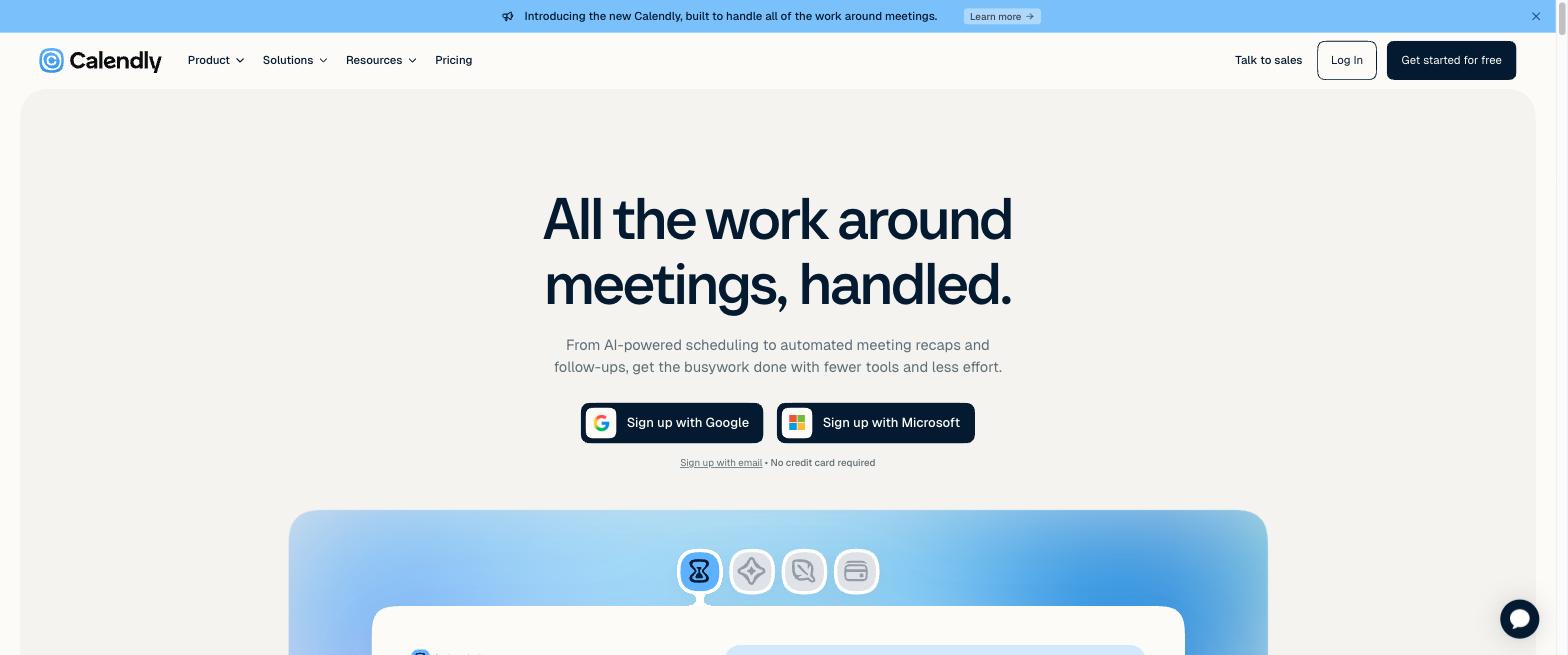
Calendly is best for letting people book you. Share a link and invitees self-serve a slot without a single email. It adds the business machinery around that: round-robin across a team, automated reminders and follow-ups, 100-plus integrations, website embeds, and buffers and limits. Calendly also has a Meeting Poll for group scheduling, but it is a later addition, and it is propose-and-vote (you offer a few slots, people vote yes or no) rather than a paint-your-availability grid. Our Calendly meeting poll guide covers where that fits.
The short version: When2meet owns free group scheduling, Calendly owns personal booking. Neither does the other's job well.
Features and pricing compared
Here they are side by side, with pricing checked August 2026 against each vendor's own site (When2meet, Calendly).
| When2meet | Calendly | |
|---|---|---|
| Main job | Group availability grid | Personal booking link |
| Price | Free (ads) | Free tier; Standard USD 10/seat/mo, Teams USD 16 |
| Account to respond | None (name per event) | None to book; organizer needs an account |
| Group poll model | Paint-availability heatmap | Propose-and-vote (yes/no) |
| Calendar sync | None | Google, Outlook, iCloud |
| Automatic time zones | Detects browser zone | Yes |
| Reminders and notifications | None | Yes (email, SMS on paid) |
| Mobile | Not responsive, hard to use | Clean mobile app |
| Integrations | None | 100-plus |
The honest gaps in each
Both tools have real weaknesses, and pretending otherwise helps no one.
When2meet's cost is its age. It is free and fast, but the site has barely changed since 2009. The grid is not responsive, so it is fiddly on phones, where most people now respond. There is no calendar sync, so people mark availability from memory and forget conflicts. There are no reminders, so the organizer keeps reopening the link to check. And an event cannot be edited after creation. Our When2meet mobile guide and When2meet and Google Calendar guide cover the workarounds.
Calendly's cost is money and fit. The free plan is clean but limited to one booking page and one calendar connection, and the features most groups want sit on paid tiers from USD 10 per seat per month. More to the point, paying for a booking tool to do a group-time job is the wrong spend, since its Meeting Poll still makes you guess slots up front rather than reading everyone's real availability. If a booking link is what you need, our Calendly alternative guide weighs the free options.
The upgrade to When2meet's free model: Timespree
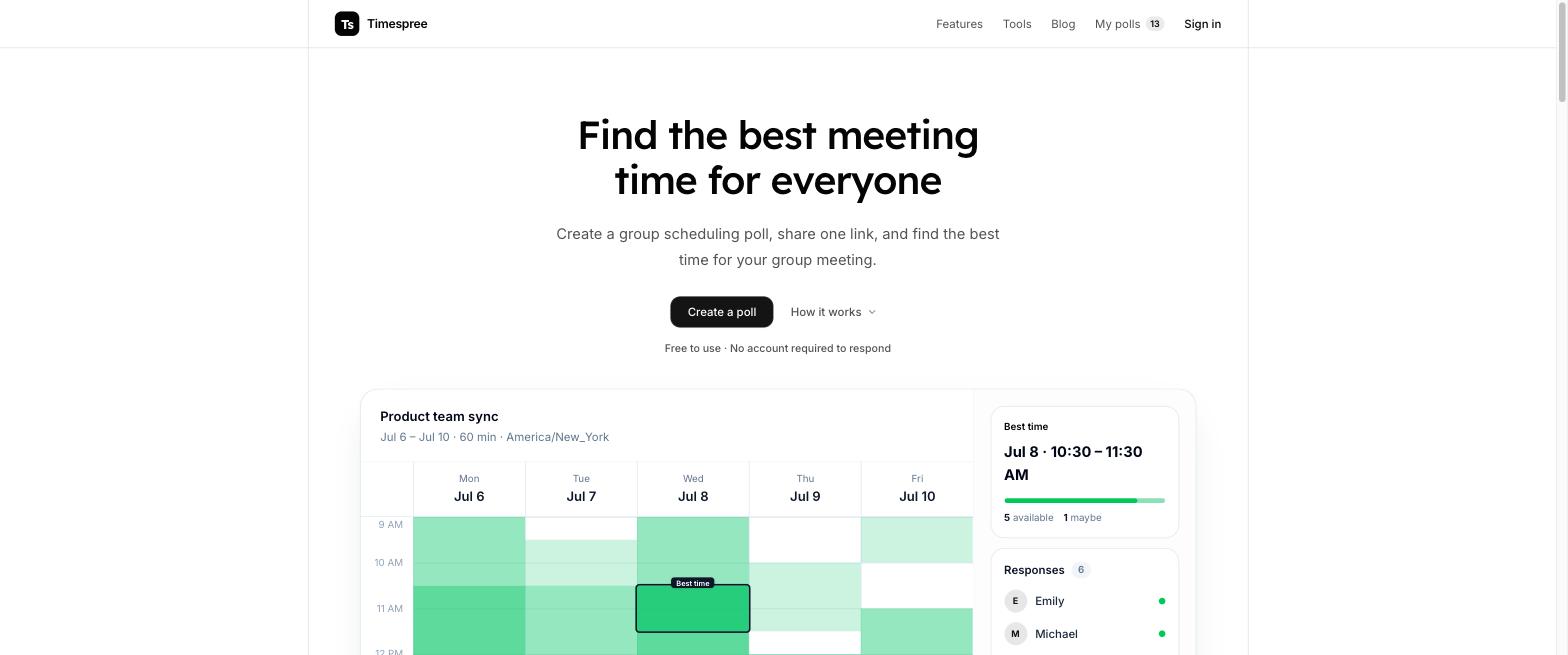
If you like When2meet's approach, a free group grid with no accounts, but you keep hitting its 2009-era limits, that is exactly the gap Timespree fills. It keeps the model and fixes the gaps, without becoming a paid booking tool.
Timespree keeps the identical workflow: create an event, share one link, everyone paints the grid, read the heatmap, no account for respondents. On top of it, the grid is mobile-first, every participant sees times in their own zone automatically, and they can overlay their Google, Outlook, or Apple busy times for free while responding, so nobody marks a slot they cannot make. The organizer gets an email as responses arrive, and there are no participant limits. It is free.
So the full picture is three tools for two jobs: When2meet or Timespree for finding a group time free, and Calendly when someone needs to book you. Our best When2meet alternatives roundup compares the free grids, and When2meet vs Doodle weighs the grid against the vote.
Which should you choose?
Pick by the job in front of you:
- A group has to find a time everyone can make: When2meet, free and instant, or Timespree if phones and calendars matter. Both are free with no accounts for respondents.
- You want people to book you (sales calls, demos, interviews, clients): Calendly. The free plan covers a solo link, and paid tiers add team routing and integrations.
- You need both: use a free grid for group meetings and a Calendly link for one-on-one bookings. They do not overlap, so running both is common.
The mistake to avoid is paying for Calendly to solve a group-scheduling problem a free grid solves better, or forcing When2meet's dated grid onto a phone-heavy group when a modern free grid exists.
