Why people look for a When2meet alternative
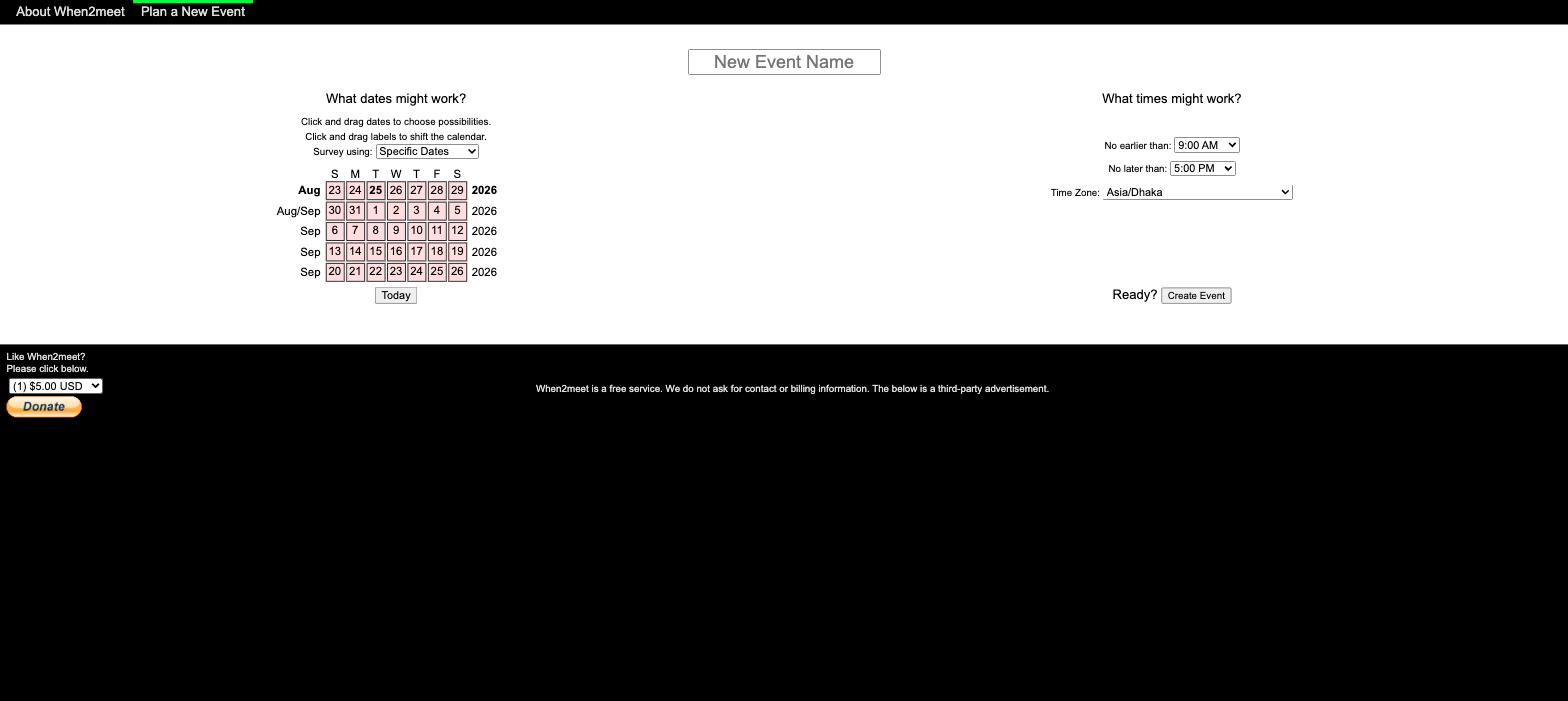
When2meet is a free availability survey built in 2009. You paint the times you are free on a grid, everyone else does the same, and the darkest cell wins. That core idea still works, which is why the site survives with no visible updates in over a decade.
The problems show up the moment your group is not sitting at laptops:
- The grid barely works on phones. Cells are tiny, tapping while scrolling misfires, and there is no responsive layout. Most groups now respond from a phone, so this is the top complaint.
- No calendar integration. You have to remember your own schedule and re-enter it by hand. One busy participant who forgets a conflict invalidates the winning slot.
- No notifications. The organizer has to keep reopening the link to see who responded.
- Sign-in is per event. Your name and optional password exist only inside that one poll, so there is no way to manage the events you created.
Every tool below fixes at least the mobile problem. The ranking weighs how much of the rest each one fixes, and what it charges to do so.
The 7 best When2meet alternatives compared
Here is the short version of the whole article. Prices checked July 2026.
| Tool | Best for | Free tier | Calendar sync | Works on mobile |
|---|---|---|---|---|
| Timespree | Most groups replacing When2meet | Free, unlimited responses | Google, Outlook, Apple (free) | Yes |
| Timeful | Power features and open source | Free | Google, Outlook, Apple (free) | Yes |
| LettuceMeet | Students and casual groups | Free | Google (free) | Yes |
| Rallly | Open source and self-hosting | Free tier, Pro from $56/yr | Paid | Yes |
| Doodle | Teams with a tools budget | Free with ads, Pro from $11/user/mo | Free (1 connection) | Yes |
| Cal.com | 1-on-1 booking links | Free for individuals | Yes (free) | Yes |
| WhenIsGood | Minimalists on desktop | Free | No | Barely |
1. Timespree: the closest upgrade to When2meet
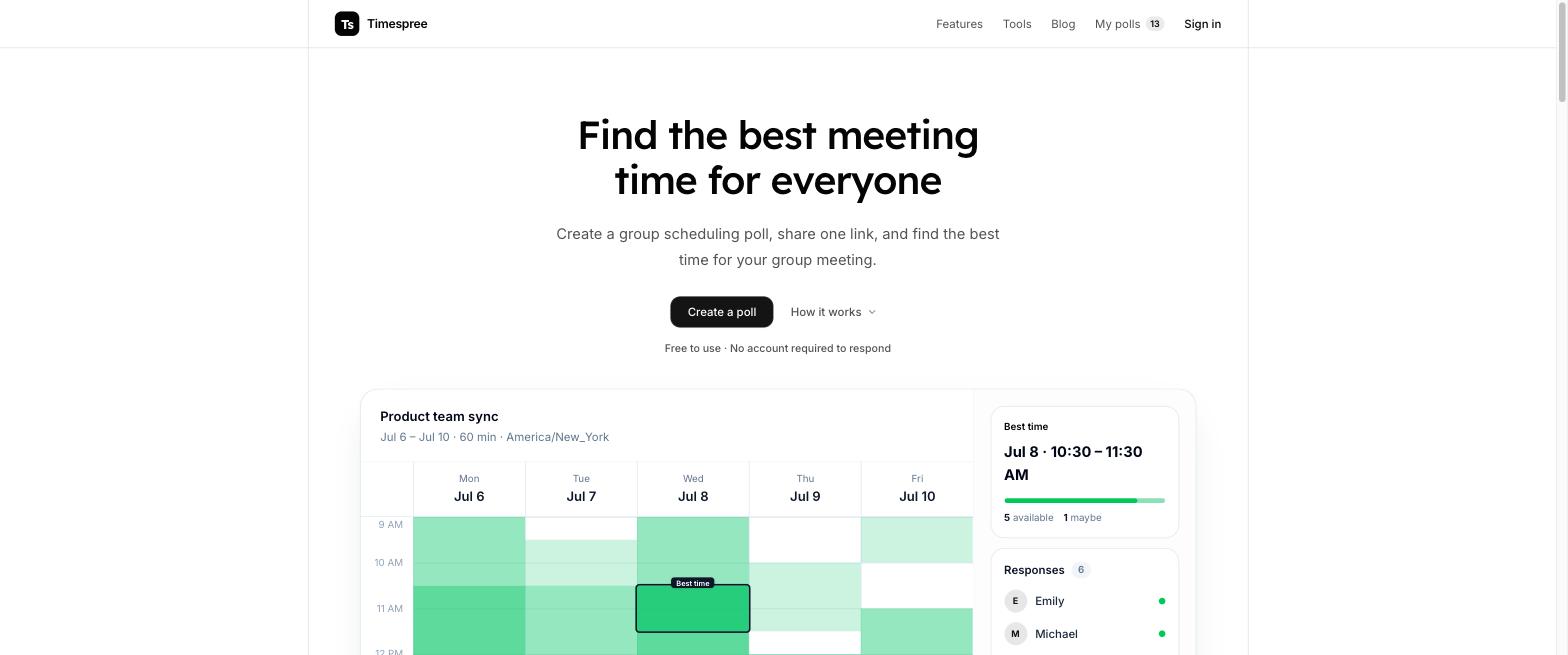
Timespree keeps the exact workflow your group already knows: create an event, share one link, everyone paints their availability on a grid, and the heatmap shows the overlap. Nobody needs an account to respond, and the whole thing is free.
What it adds on top of When2meet:
- A mobile-first grid. Tapping and dragging availability works properly on a phone screen.
- Free calendar import. Respondents can overlay their busy times from Google Calendar, Outlook, or Apple Calendar while filling in the grid, so nobody marks a slot they cannot actually make. When2meet has nothing like this, and Doodle has no calendar overlay for the people responding either.
- Clear time-zone context. The event zone stays visible, and participants can choose a display zone for converted slot details.
- In-app and email notifications. The organizer is notified as responses come in, both in the app and by email, instead of refreshing the link.
- Team workspaces. Organizers can create a shared workspace and invite teammates by email to manage the group's polls together, with notifications when someone joins.
- An optional account to keep track of every poll you have created, across personal and team workspaces.
The honest trade-off: Timespree is a young product, so it does not have years of brand recognition behind it. If you want the When2meet workflow with the two biggest gaps fixed, this is the one to try first.
2. Timeful: best for power features and open source
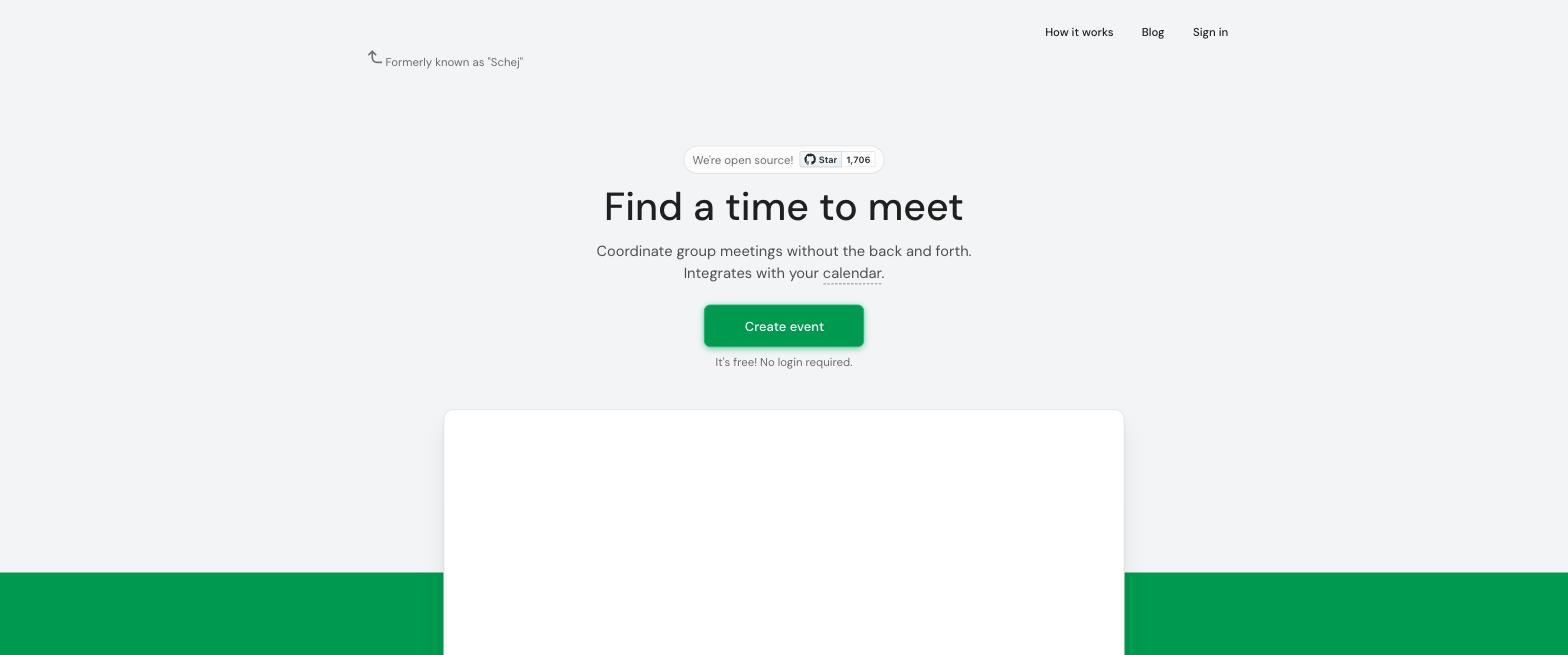
Timeful (formerly Schej) started as a student project posted to Reddit as "a better when2meet" and grew into one of the most liked free schedulers. It shows your calendar events (Google, Outlook, or Apple Calendar) next to the availability grid while you respond, which removes the guesswork that breaks When2meet polls.
Strengths:
- Clean, modern interface with a responsive mobile layout
- Calendar overlay for Google, Outlook, and Apple Calendar while marking availability
- Email notifications and reminders, plus time zone support
- Power features: "Available" vs "If needed" times, availability groups, duplicating polls, CSV export, a plugin API
- Free, open source (AGPL v3), and actively maintained, with self-hosting docs for Docker Compose and NixOS
Limitations:
- The feature depth is more than a casual five-minute one-off poll needs
- The hosted product currently includes Google AdSense and accepts donations
Timeful is excellent, and the most feature-rich free tool on this list. We wrote a full Timeful vs When2meet comparison if you are choosing between the two.
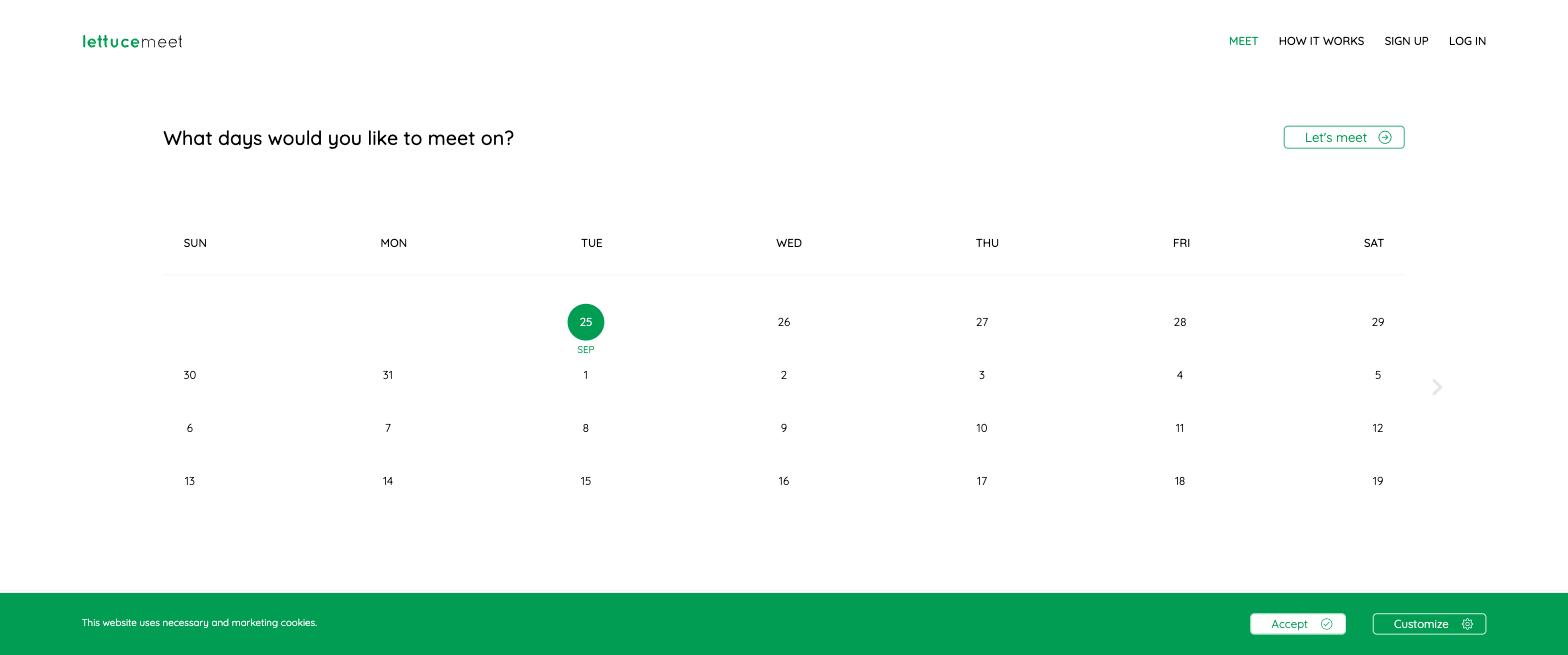
3. LettuceMeet: best for students and casual groups
LettuceMeet is a friendly, minimal availability poll that fixed When2meet's two ugliest problems years ago: it looks fine on a phone and does not bury the page in ads. You pick a date range, share a link, and responses build the familiar heatmap.
Strengths:
- Very low friction, no account needed to respond
- Optional Google sign-in that can show your Google Calendar events while you respond
- Clean mobile layout
Limitations:
- Development is slow, and the feature set has not moved much in years
- No notifications when people respond
- Time zone handling is more basic than the tools above
It is a solid choice for one-off casual scheduling. Our LettuceMeet comparison covers the details.
4. Rallly: best open source option
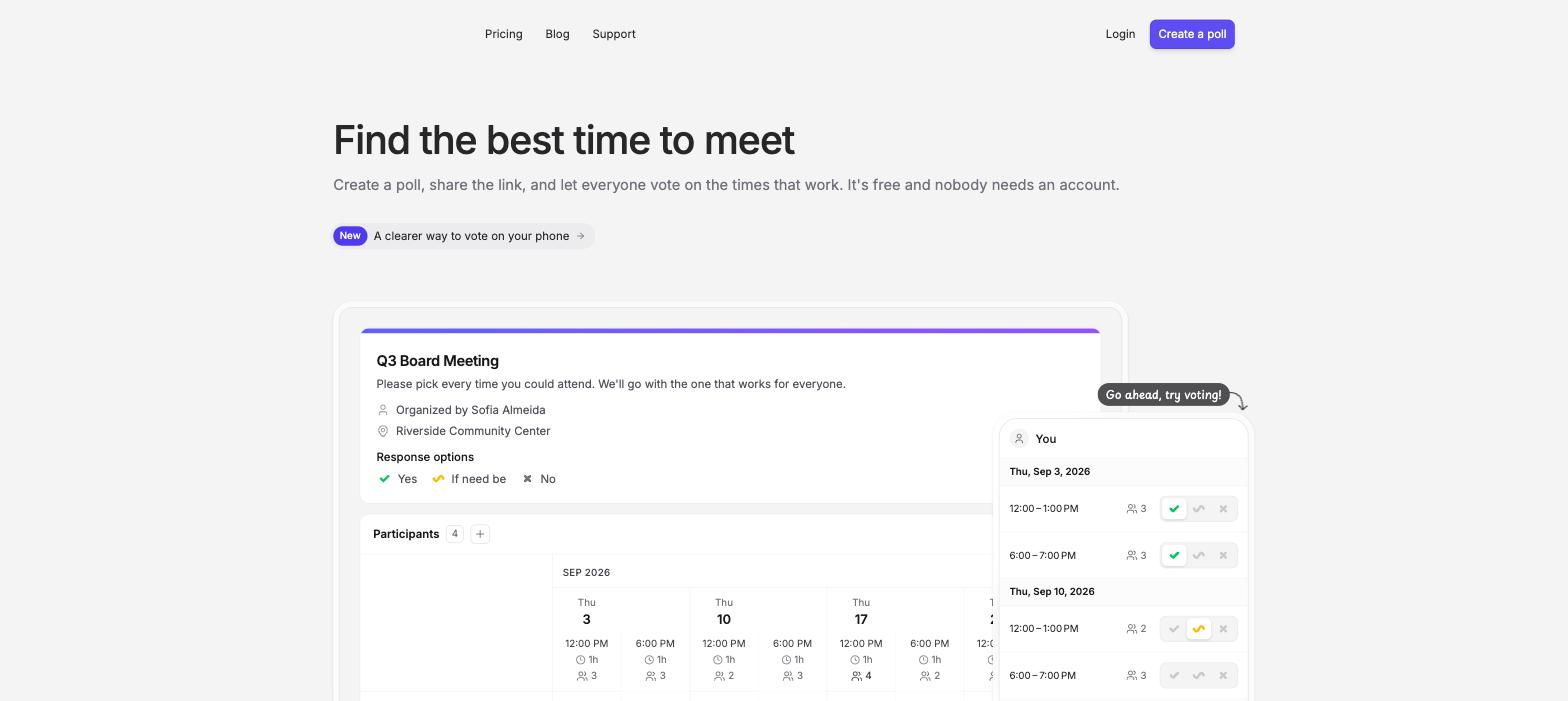
Rallly is an open source scheduling poll you can use on their hosted cloud or run on your own server. Instead of a paint-the-grid heatmap, you propose specific time options and participants vote yes, no, or if-need-be.
Strengths:
- Fully open source with an active repo and a real self-hosting story
- Clean voting flow that works well for date-only decisions
- Free tier is generous
Limitations:
- The propose-and-vote model needs the organizer to guess good options up front, which is weaker than a heatmap when schedules are messy
- Calendar connections and some features sit behind the Pro plan ($56/year, checked July 2026)
Pick Rallly if open source or self-hosting is a requirement. Our Rallly comparison goes deeper.
5. Doodle: best known, but the free tier is the product demo
Doodle is the oldest name in group scheduling and still one of the most polished. The catch is the business model: the free tier shows ads to your participants, allows a single Group Poll, and holds back the features that actually compete with the free tools above.
Strengths:
- Polished, professional interface your coworkers have already seen
- Free plan includes one calendar connection, so you can check your own conflicts
- Real company with support and compliance answers for IT departments, and it handles up to 1,000 participants
Limitations:
- The free plan allows one Group Poll and shows ads to your participants; unlimited polls, deadlines, reminders, and ad removal need Pro (from $11 per user per month billed annually, checked August 2026)
- Free Group Polls are capped at 10 time-slot options
- It is propose-and-vote, so you guess the times up front instead of collecting full availability
Doodle makes sense when someone else pays for it. For a full breakdown, see When2meet vs Doodle and our Doodle alternative guide.

6. Cal.com: best when the real problem is booking links
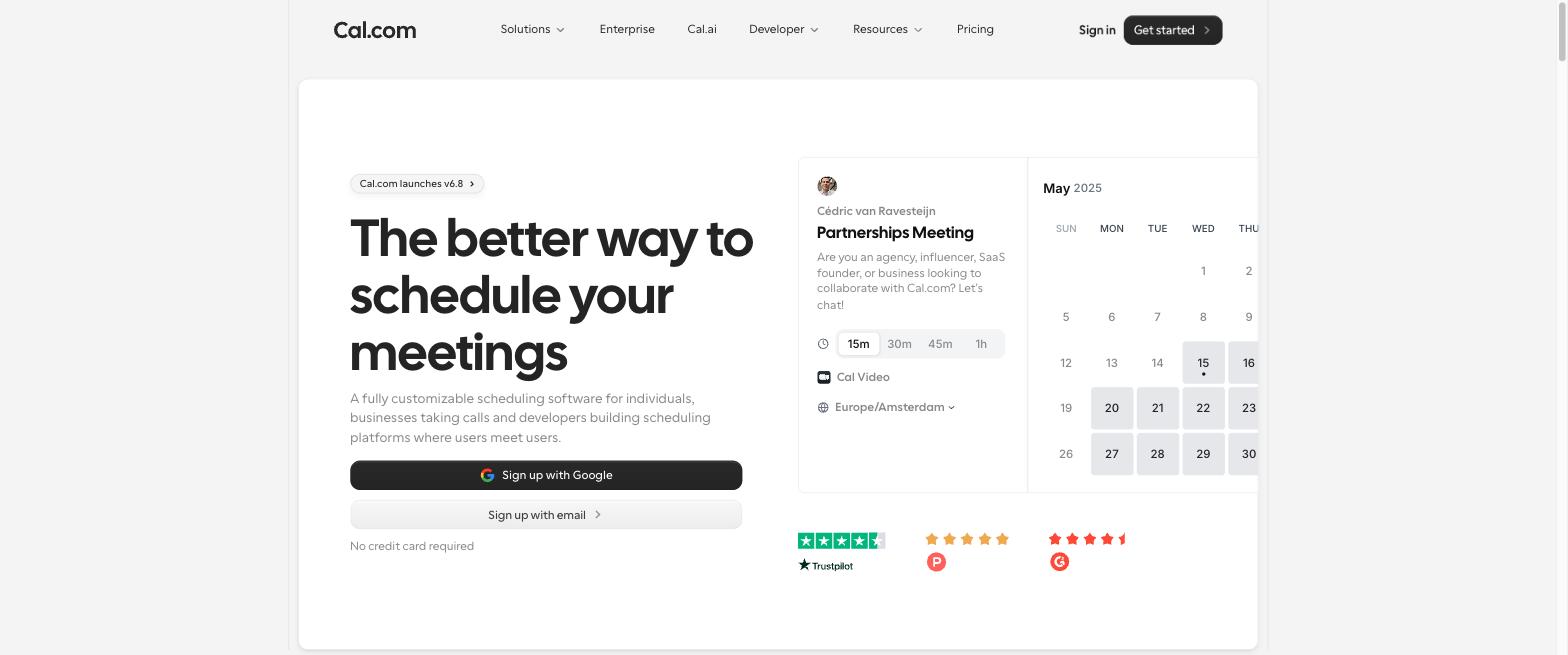
Cal.com is an open source Calendly alternative. It is not a group availability poll: it is a booking page where people grab slots from your calendar. It lands on this list because a lot of "When2meet alternative" searches are really "I schedule a lot of 1-on-1s and hate the back and forth."
Use Cal.com when one person's calendar is the bottleneck (office hours, sales calls, mentoring). Use a grid poll when a whole group needs to find mutual overlap. If you regularly do both, run both; the free individual tier is generous.
7. WhenIsGood: the minimalist relic
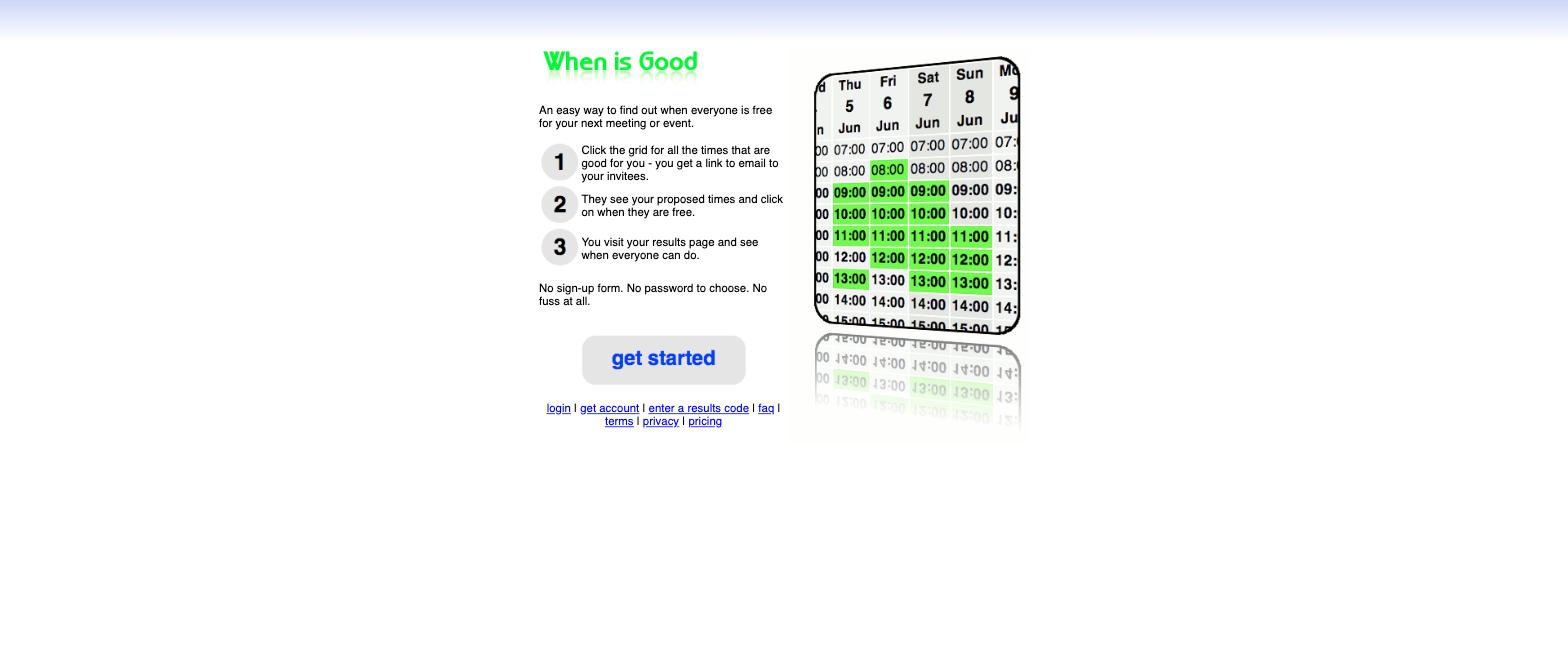
WhenIsGood is even older and more spartan than When2meet. You click the grid to mark good times, send a link, and read results. No accounts, no ads to speak of, no design.
It survives on this list for one reason: it is the fastest tool if everyone is on a desktop and you refuse to look at anything modern. On phones it has the same problems as When2meet, sometimes worse. There is no calendar integration and no notifications. It is a fallback, not a recommendation.
How to pick the right one
Match the tool to the group, not the other way around:
- Mixed group, phones, want zero friction: Timespree. Same workflow as When2meet with mobile, time zones, calendar import, and notifications fixed.
- Want power features (if-needed times, availability groups, CSV export) or open source: Timeful.
- Students planning casually: LettuceMeet.
- Open source or self-hosting required: Rallly.
- Company pays for tools and IT wants a vendor: Doodle.
- Your real problem is 1-on-1 booking: Cal.com.
If you just want the fastest path: create a poll, send the link, and see the heatmap fill in. That workflow has not been beaten since 2009; the only things worth upgrading are everything around it.
