Calendly vs Doodle: the short answer
Use Calendly when you want people to book you, and Doodle when a group has to agree on a time. That single distinction decides most cases before pricing or features come up.
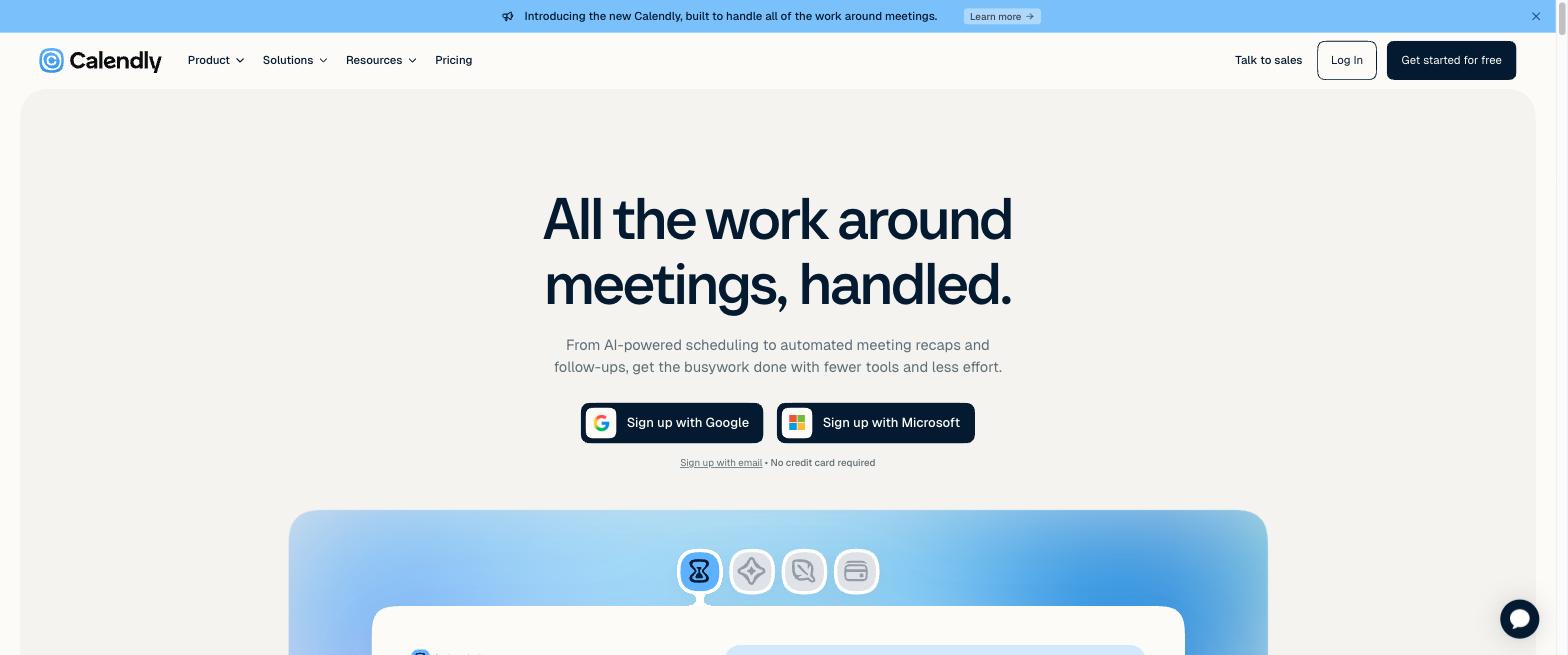
Calendly is a booking-link tool. You share a link, an invitee sees your open slots, and they pick one that drops onto your calendar automatically. It is built for the steady stream of one-on-one calls: sales demos, client sessions, interviews. Doodle is a group-poll tool at heart. You propose a handful of times, everyone votes yes, no, or if-need-be, and the option most people can make wins. It is built for the offsite where eight calendars collide.
There is a third answer neither vendor will give you, and it matters for the group case. If your actual goal is finding one time a whole group can meet, a free availability grid does that job better than either tool's poll, without requiring accounts. More on that below, after the head-to-head.
What Calendly and Doodle have in common
Both tools kill the back-and-forth email thread, and they share most of the table stakes. Each offers booking pages, calendar sync with Google, Outlook, and iCloud, one-on-one scheduling, a meeting-poll feature, automatic time-zone detection, buffers and booking limits, Stripe payments, mobile apps, and a free plan.
So the choice is not about which one can schedule a meeting. Both can. It is about which shape of scheduling you do most, and how much you are willing to pay for the polish and controls around it.
The core difference: booking links vs group polls
The deciding axis is who has to agree on the time. Calendly assumes your availability is the constraint and lets one person self-serve a slot. Doodle assumes several people must converge on one slot and hands them a vote.
That difference explains everything downstream:
- Calendly is built for business and 1:1. It has round-robin booking (assign meetings across a team), routing forms, single-use links, automated reminder and follow-up workflows, website embeds, browser extensions, and 140-plus integrations with tools like Salesforce, HubSpot, and Slack. Doodle has none of the routing features and only a handful of native integrations.
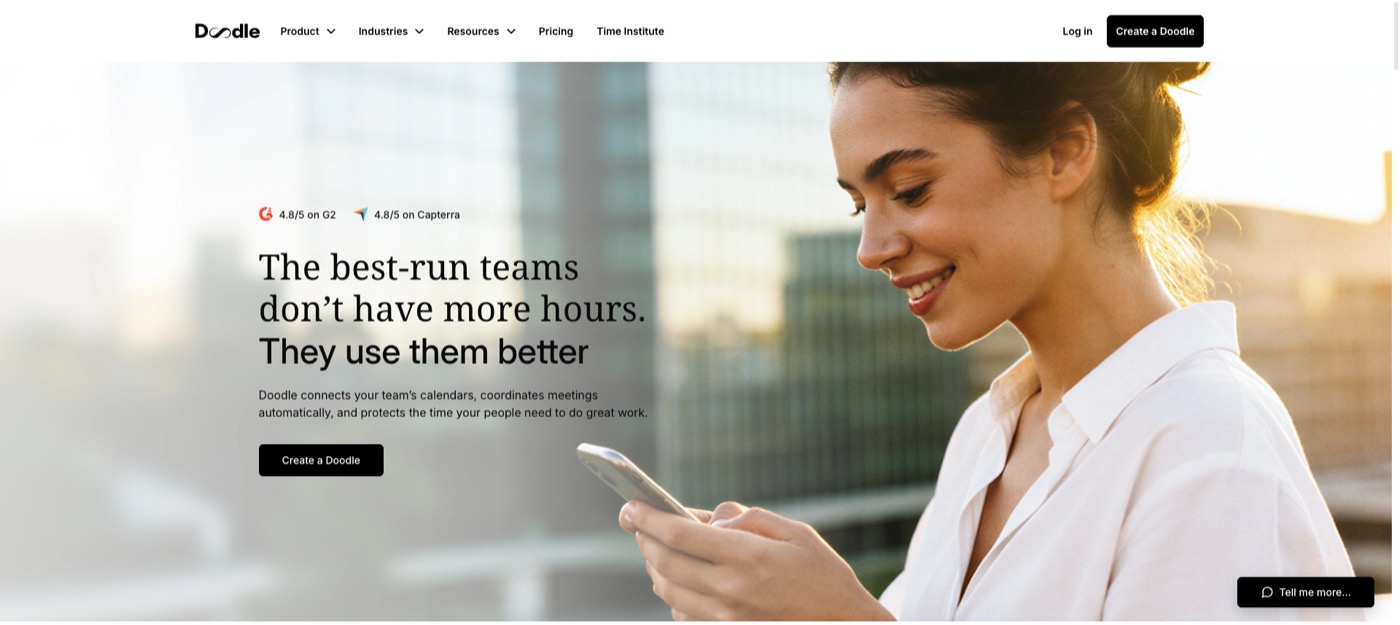
- Doodle is built for the group vote. Its Group Poll is the original feature: propose slots, everyone marks each one, and a colored chart makes the winning column obvious. Calendly added a Meeting Poll later, and while it is simpler to create, respondents get only yes or no, with no maybe, and the results are less visual than Doodle's chart.
If you live in one-on-one calls, Calendly. If your recurring headache is getting a group to land on a time, Doodle does that better than Calendly, and a free grid does it better than Doodle.
Pricing and free plans compared
Both have a free plan, but they draw the lines very differently. Prices checked August 2026 against each vendor's own pricing page (Calendly, Doodle).
| Calendly | Doodle | |
|---|---|---|
| Free plan | 1:1 booking + unlimited meeting polls, 1 calendar, 1 active event type | Group poll + one 1:1/month, link-only sharing, ads shown |
| Ads on free | No | Yes, to hosts and invitees |
| Entry paid plan | Standard, USD 10/seat/mo billed annually (USD 12 monthly) | Pro, about USD 15/mo (roughly USD 11/mo billed annually) |
| Team tier | Teams, USD 16/seat/mo | Team, per-seat with admin console |
| Best free use | A clean 1:1 booking link | A quick group vote, if you accept ads |
Which free plan is actually usable?
Calendly's free plan is the more usable of the two, and the gap is mostly about ads. Calendly free gives you a clean booking link, one calendar connection, and unlimited meeting polls, with no ads anywhere in the experience.
Doodle's free plan is thinner than people remember. It shows ads, including auto-play video, to both you and the people you invite, which reads as unprofessional the moment you send a client an ad-covered poll. Free users can also only share a poll by link, not through Doodle's built-in email, and 1:1 booking is capped at one a month. We break the Doodle free tier down fully in is Doodle free, and cover the paid trade-off in our Doodle alternative guide.
The honest summary: Calendly's free plan is genuinely fine for a personal booking link, while Doodle's free plan works but feels like a demo of Pro. If ads on your invitees' screens bother you, and they should, that alone is a reason to look past Doodle's free tier.
The free option both of them miss: an availability grid
Every Calendly-vs-Doodle comparison, including the vendors' own, quietly assumes those are your only two choices for the group-time job. They are not. For finding one time a group can meet, a free availability grid beats both, and it is the category neither Calendly nor Doodle competes in.
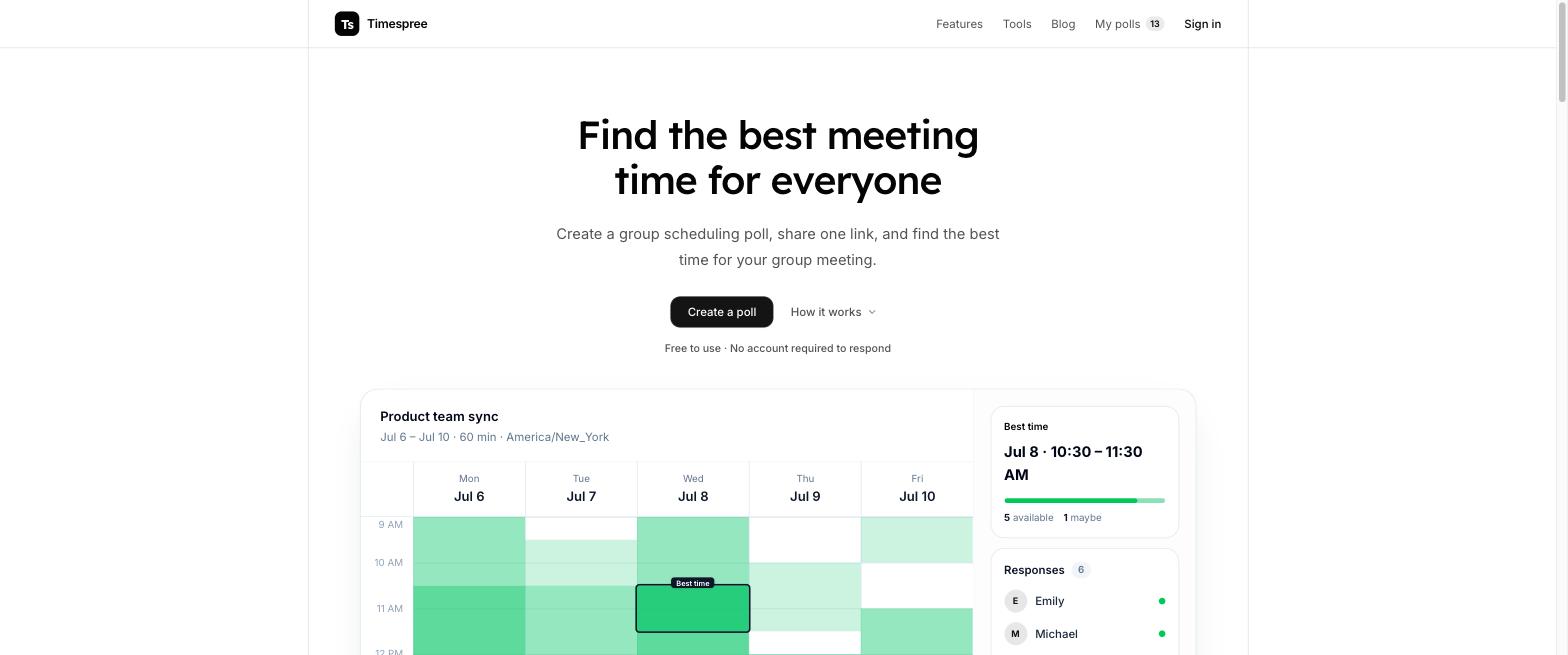
The difference is the model. Both Doodle's and Calendly's polls are propose-and-vote: the organizer guesses a few slots up front, and everyone reacts to those. A grid inverts it. On Timespree, everyone paints all the times they are actually free, and the overlap shows the best slot, including times you never thought to propose. For a messy group schedule, that finds answers a vote cannot.
What a free grid adds that both paid tools charge for or lack:
- No account for anyone. Neither the organizer nor the respondents sign up, versus Doodle and Calendly both requiring the organizer to have an account.
- A mobile-first grid, where Doodle's own app makes building a group poll cumbersome.
- Automatic time zones and a free calendar overlay, so people paint real availability, not remembered availability.
If your reason for comparing Calendly and Doodle is really "how do I get this group to agree on a time," start with a free grid. Our group availability poll roundup covers six of them, and When2meet vs Doodle weighs the grid model against Doodle's vote directly.
Which should you choose?
Match the tool to the job:
- You want people to book you (sales calls, demos, interviews, client sessions): Calendly. The free plan covers a solo booking link cleanly, and Standard adds integrations, while Teams adds Round Robin. Our Calendly meeting poll guide covers its polling side if you need both.
- A group has to vote between a few set options and you do not mind ads on the free tier: Doodle. Its colored poll chart is still the clearest propose-and-vote experience.
- A group has to find any workable time from messy schedules: a free availability grid like Timespree or When2meet. No account, and it captures full availability instead of a vote on preset slots.
Plenty of people run more than one: a Calendly link for routine calls and a free grid when a crowd has to converge. The mistake is paying for a booking tool to do a group-time job a free grid does better.
