Sources and scope
This is a workflow comparison, not a timed benchmark or security audit. We checked the Timeful FAQ, its published feature list and license, and the When2meet creation page on September 10, 2026. Timeful documents calendar autofill and requires sign-in for email reminders. Connecting a calendar is optional. For data handling, read Timeful's privacy policy before granting access. We make Timespree, which appears as an additional option below.
The short answer
Timeful is a useful choice when you want calendar integration and reminders alongside the availability grid. It keeps When2meet's availability heatmap but adds a modern mobile-friendly interface, calendar overlays for Google, Outlook, and Apple Calendar while you respond, and email notifications, and it is free and open source. When2meet remains an option when the group knows its workflow and does not need calendar integration.
The two tools share a core workflow: both are free, both use the paint-your-availability grid, and neither forces respondents to create an account. Which is why the comparison comes down to everything around the grid: how it behaves on a phone, whether it knows your calendar, and how it handles time zones.
Below we compare them point by point, answer the safety questions people ask about Timeful, and end with a third option for people who want the lightest possible poll.
What When2meet still does well
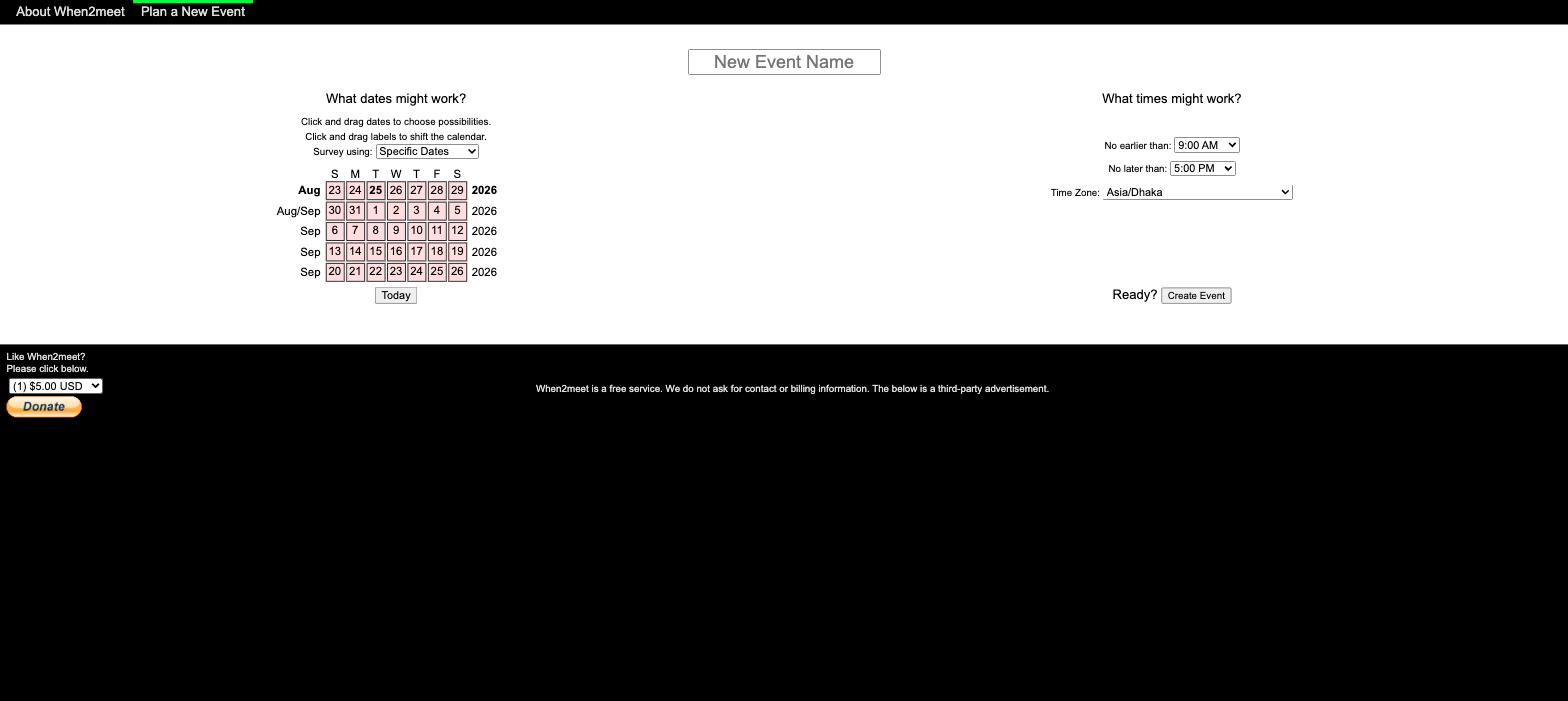
When2meet presents the event name, dates, time window, and time zone on its creation page.
- Short creation flow. Name the event, drag over dates and times, done. There is no onboarding, no account, and the date range and time window are configured on the same page.
- Familiarity can help. If your participants already use When2meet, they have less to learn. Familiarity is a real feature when you need 15 people to respond.
- The heatmap works. The green overlap grid shows a group's mutual availability.
- Completely free, supported by ads.
If your whole group is at laptops and the poll is simple, When2meet still gets the job done, without needing every feature in a larger scheduler. Our guide to using When2meet covers the flow if your group is new to it.
Where When2meet shows its age
The complaints are the same ones people have had for years, unchanged as of July 2026:
- Phones. The grid is not responsive: cells render tiny, taps misfire while scrolling, and there is no mobile app. For a phone-heavy group, check whether selecting and editing cells is comfortable. We wrote a whole piece on using When2meet on mobile for practical workarounds.
- No calendar sync. You answer from memory. One participant who forgets a standing conflict can sink the winning slot. There is no Google Calendar connection of any kind, which we cover in When2meet and Google Calendar.
- Time zones are a raw dropdown. When2meet pre-selects the zone your browser reports, but exposes the full time-zone list as a control with no safeguard, so a wrong device setting or a stray change lands your availability hours off, with no calendar overlay to catch it.
- No notifications, no history. The organizer refreshes the link to check progress, and the per-event name and password sign-in means there is no account or list of your past polls.
A familiar interface is not evidence that a product has received no maintenance. Compare the features you need rather than inferring development activity from its appearance.
Timeful vs When2meet: feature by feature
Timeful's calendar support and reminder requirements were checked against its public FAQ on September 10, 2026. Other rows describe the workflow; this is not a measured speed or security benchmark.
| Feature | Timeful | When2meet |
|---|---|---|
| Price | Free (ads; open source) | Free (ads) |
| Account needed to respond | No | No (per-event name/password) |
| Availability heatmap grid | Yes | Yes |
| Works on mobile | Yes, responsive | Barely; tiny non-responsive grid |
| Calendar overlay while responding | Yes, free: Google, Outlook, Apple | No |
| Email notifications and reminders | Yes; reminders require sign-in | No |
| Time zone handling | Handled by the app | Manual dropdown |
| Open source | Yes (AGPL v3, self-hosting docs) | No |
| Creation workflow | Create event form | Date-and-time form |
What Timeful gets right
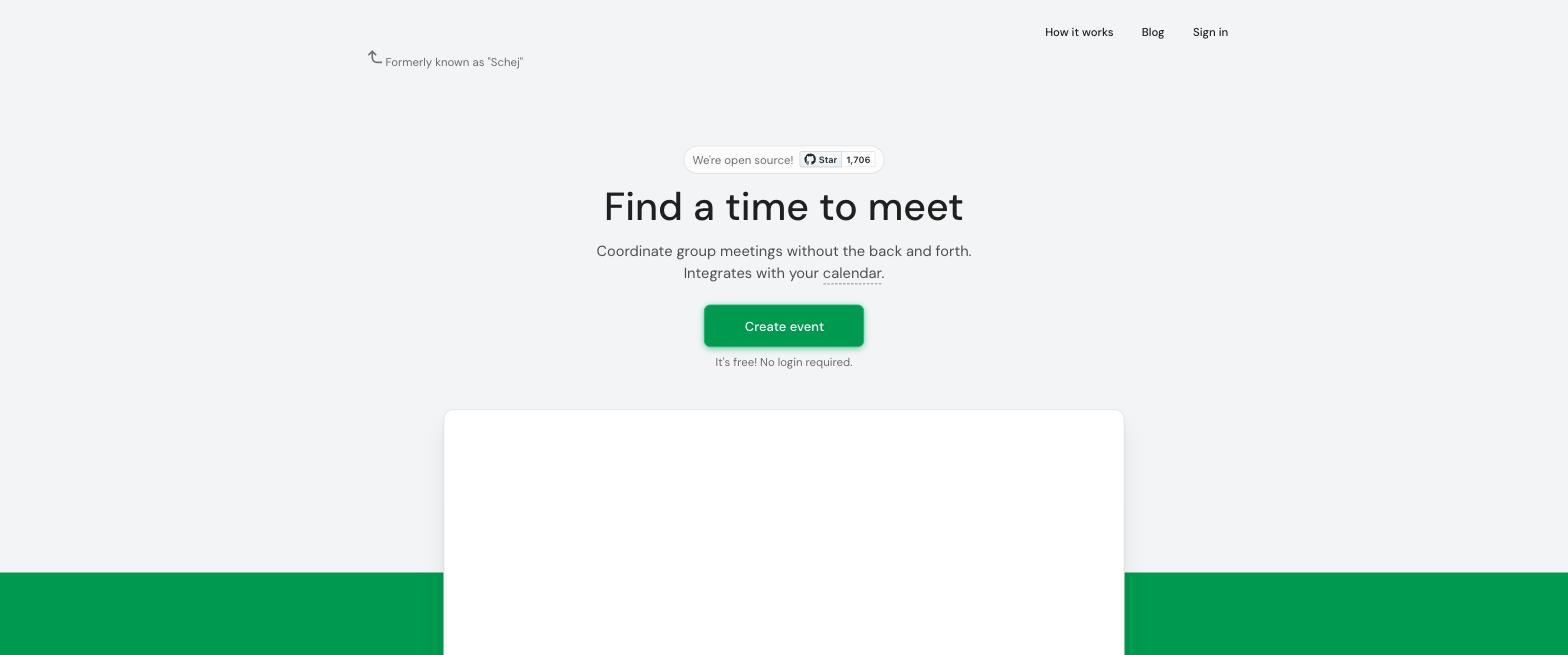
Timeful (formerly Schej) was shared on Reddit as "I made a better when2meet" and uses the same availability-grid approach. The pitch is exactly what the Reddit title promised: the same grid, modernized.
- Calendar overlay for Google, Outlook, and Apple Calendar. While you mark availability, your own events appear beside the grid, so you paint around your real schedule instead of guessing. This is the single biggest practical upgrade over When2meet, and it covers all three major calendar ecosystems.
- Modern, mobile-friendly interface. Timeful provides a responsive interface; check the actual response grid on the devices your group uses. It also schedules across time zones and sends email notifications and reminders.
- Free and open source. The public repository uses AGPL v3 and includes self-hosting instructions for Docker Compose and NixOS. The hosted site currently includes Google AdSense and accepts donations.
- Additional features listed by Timeful. "Available" versus "If needed" times, viewing overlap for a subset of respondents, duplicating polls, availability groups with real-time calendar availability, CSV export, and a plugin API.
The limitations are narrow. The public feature list does not establish a support response-time guarantee. And the feature depth, while genuinely useful for regular organizers, is more than a casual five-minute poll strictly needs.
Verdict: which should you use?
Consider Timeful when calendar integration, reminders, or self-hosting matter. Its published feature list covers those needs; reminders require the organizer to sign in.
Consider When2meet when the familiar grid is enough. You do not need to switch tools just because another product has more features. Check that your participants can use the response grid comfortably.
If you are choosing for a group, the tiebreaker question is simply: will anyone respond from a phone? If yes, compare the mobile response flows before sending the final link. Our roundup of the best When2meet alternatives ranks seven of them if you want the wider field.
A third option: the lightest possible poll
Timeful's depth is a genuine strength, and it is also more product than every poll needs. If you are scheduling one pizza night, features like availability groups, subset filtering, and a plugin API are things to scroll past rather than things to use.
Timespree is built for exactly that case: the same free availability heatmap, deliberately kept light. Respondents need no account, the grid is mobile-first, and while responding anyone can overlay their busy times from Google Calendar, Outlook, or Apple Calendar (CalDAV), free. It never auto-fills without you; it just shows your real schedule under the grid. It also supports if-needed availability, lets signed-in organizers export responses to CSV, names the event's base zone with converted details in a chosen display zone, and emails the organizer as responses arrive.
To be clear about limits: Timespree has no native mobile apps (the web grid is mobile-first and works well on phones), it is not open source, and it does not have Timeful's availability groups, subset filtering, plugin API, or self-hosting. Timeful uses ads and also accepts donations. Timespree is the lighter tool, not the deeper one. Creating a poll takes about a minute.
