What 'free' really means in scheduling
Half the tools marketed as free are 14-day trials with a countdown timer. This list only includes genuinely usable free tiers, checked August 2026, and it is sorted by the job you are doing, because that is what actually decides the right tool.
There are two jobs. The first is a booking link: you share a page, and one invitee picks an open slot from your calendar. That is Cal.com, Calendly, Google Calendar. The second is a group poll: you need one time that works for many people, so everyone marks when they are free and the overlap wins. That is Timespree, When2meet, Rallly. A tool that is great at one is usually mediocre at the other, so start by naming your job.
Best free tools for a booking link (one-to-one)
If you want to hand someone a link and let them book time with you, these five have real free tiers.
- Cal.com has the most generous free plan of any booking tool: unlimited event types, unlimited calendar connections, workflows, and routing forms, all free for a single user with Cal.com branding. It is open-source and self-hostable too.
- Google Calendar appointment scheduling is free on any personal Google account, but capped at 1 booking page with Google Meet as the only video option. Best if you already live in Google.
- Calendly free gives you 1 event type and 1 calendar connection, with a Calendly banner. It works if you book only one kind of meeting, and its free plan also includes Meeting Polls, a propose-and-vote group tool. Our Calendly alternatives piece covers upgrades.
- Setmore has a free plan aimed at small service teams, with multi-staff calendars and a branded booking page, though SMS reminders and two-way sync are paid.
- TidyCal offers basic 1:1 booking free and sells a one-time upgrade instead of a subscription, which suits people who hate monthly fees.
| Tool | Free tier strength | Best for |
|---|---|---|
| Cal.com | Unlimited event types + calendars | Most features free, one user |
| Google Calendar | 1 booking page, built into Google | Google users, basic needs |
| Calendly | 1 event type, recognized name | One meeting type, solo pros |
| Setmore | Multi-staff booking free | Small service businesses |
| TidyCal | 1:1 booking, pay-once upgrade | Budget, no subscriptions |
Best free tools for group scheduling (many people, one time)
If your job is getting a group to agree on a time, a booking link is the wrong tool. You want an availability poll, where everyone marks when they are free and the overlap is the answer. These are the genuinely free options.
- Timespree is a free availability grid with a mobile-first design, automatic time-zone conversion, a free calendar overlay so people see their busy times while responding, no participant limit, and no account needed to respond. It is the pick if you want a clean, modern group poll to share.
- When2meet is the original grid, running since 2008. It needs no accounts and loads instantly, but the interface barely works on phones and does not sync calendars. Our When2meet alternatives roundup weighs the trade-offs.
- LettuceMeet is a cleaner, modern take on the same grid, with automatic multi-time-zone support and a far better mobile experience. Completely free, with optional Google sign-in to auto-fill busy times. See our LettuceMeet alternatives comparison.
- Rallly is an open-source date poll: propose a few dates, share the link, and people vote, no login required. It is self-hostable and privacy-focused. Best when you want a simple date poll rather than an hour-by-hour grid.
- Doodle polls groups too, and needs no account to respond, but its free plan shows ads to every participant who opens your poll link, which looks unpolished for client-facing invites.
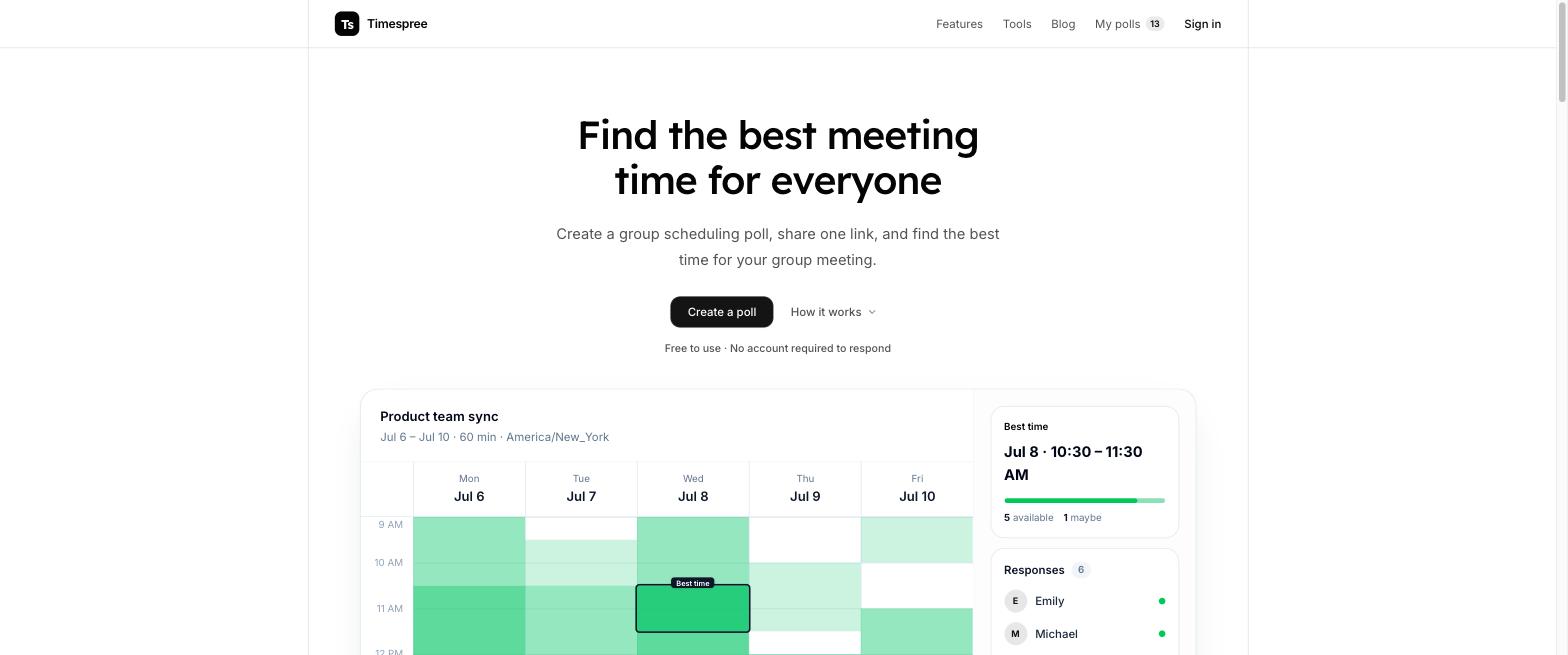
| Tool | Free tier strength | Best for |
|---|---|---|
| Timespree | Mobile grid, time zones, no sign-up | Modern group polls |
| When2meet | The instant classic, no accounts | Quick, no-frills checks |
| LettuceMeet | Cleaner grid, good on mobile | Casual group scheduling |
| Rallly | Open-source date poll, self-host | Simple date votes |
| Doodle | Polls + booking (ads on free) | Doodle users who accept ads |
How to pick the right free tool
Pick by the job, not the longest feature list.
- Sharing a booking link: Cal.com if you want the most free features, Google Calendar if you already use Google, Calendly if you only book one meeting type.
- Finding a time for a group: Timespree for the cleanest modern grid, When2meet for the no-friction classic, Rallly for a simple date vote. Start with a group availability poll and compare the grids side by side.
- A recurring team meeting: a scheduling poll for team meetings settles the time once, then a booking tool handles individual calls.
If a tool asks for a credit card before you can schedule anything, it is a trial, not a free plan. The ten above are the ones that stay free.
